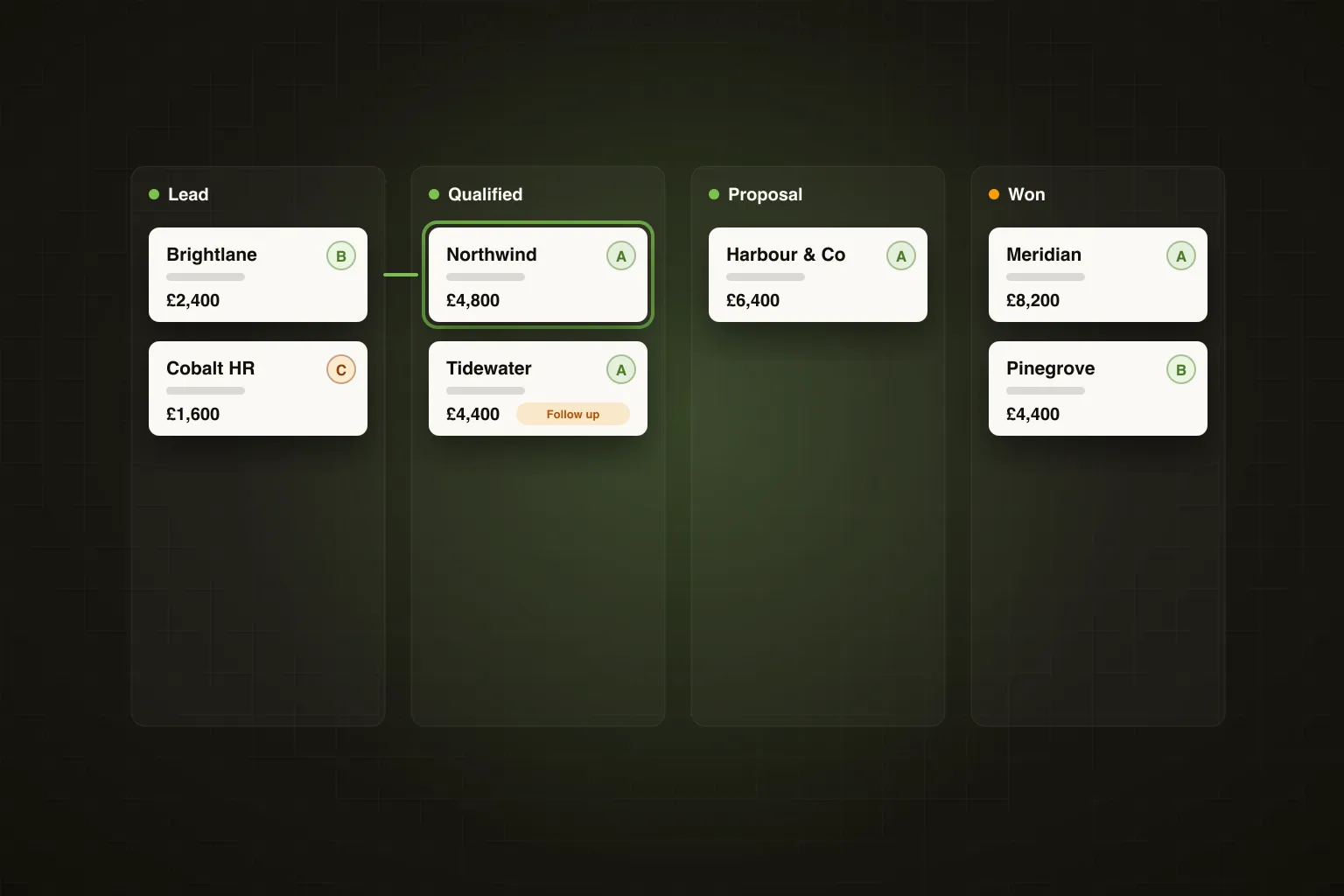
TL;DR: Ghost's agentic campaign creator acts as an AI SDR — you define your ICP, hit run, and Ghost finds the contacts, writes the sequence, and builds the full campaign for your approval in under 90 seconds. This walkthrough shows every step, exactly as it happens.
Ghost is the all-in-one GTM platform for B2B founders and small revenue teams: an AI SDR, a 600M-contact database, LinkedIn + email outreach and a built-in CRM on one plan. But the feature that changes how founders and small revenue teams think about prospecting is the Agentic Campaign Creator — an AI SDR that does the end-to-end campaign build a human SDR would spend days on, in about a minute and a half.
This isn't a product brochure. This is a practitioner walkthrough — every step, in order, with the decisions you actually have to make along the way.
What Is an AI SDR, and Why Does It Matter?
A traditional SDR does four things: finds contacts, qualifies them against your ICP, writes personalised outreach, and builds the sequence. It takes a good SDR a full day to build a clean 50-contact campaign from scratch — sourcing, enriching, writing, loading into a sequencer.
An AI SDR does the same four things, but autonomously. You give it the brief. It executes. You review and approve before anything sends.
Ghost's Agentic Campaign Creator is that AI SDR. It pulls from a 600M verified B2B contact database, writes sequences trained on Claude and Ghost's ICP intelligence, and puts everything in a review queue — so you stay in control without doing the manual work.
Founder's Take: The mental model I use is this: Ghost is your SDR who never sleeps, never gets bored of list-building, and never sends a sequence without your sign-off. You're the sales director. Ghost does the legwork. You make the calls on what goes out.
Step 1 — Define Your ICP
Everything starts here. Ghost's Agentic Campaign Creator opens with a plain-English ICP input — no dropdowns, no complex Boolean logic to write yourself. You describe who you want to reach the way you'd describe it to a new hire.
A realistic example: you're a solo founder selling a workforce scheduling tool for shift-based businesses. You type something like: "Operations managers and HR directors at UK hospitality and retail businesses with 50–500 employees, preferably using Deputy or Rotaready."
Ghost takes that description and translates it into structured filters: industry, seniority, company headcount, geography, and — where relevant — tech stack signals. The more specific you are, the tighter the contact list. You don't need to know how to write a LinkedIn Sales Navigator query. Ghost handles that translation.
You also set the campaign goal at this stage: cold outreach, event invite, demo request, content amplification. This shapes the tone and structure of the sequence Ghost writes in Step 4.
Step 2 — Hit Run Agent
Once your ICP is defined and your campaign goal is set, you press one button: Run Agent.
This is the moment the agentic workflow begins. Ghost's AI agent takes your ICP definition and simultaneously starts two processes: contact discovery and sequence drafting. Both happen in parallel, which is why the end-to-end build takes under 90 seconds rather than the sequential hours a human SDR would spend.
You don't configure anything else at this point. No CSV to upload. No template to choose. No enrichment tool to open in another tab. The agent has everything it needs from your ICP brief.
Step 3 — Ghost Finds the Contacts
Ghost searches its 600M verified B2B contact database — more than double Apollo's 275M — against your ICP filters. It returns a shortlist of matched contacts with verified business emails and LinkedIn profile URLs, ranked by fit.
For the workforce scheduling example above, Ghost might surface 340 contacts matching operations managers and HR directors at UK hospitality and retail businesses in the right headcount band. Each contact comes with company name, role, seniority, location, and — where available — the tech stack signals you specified.
There's no credit system burning down with every lookup. Ghost's database access is included in the flat $99/month plan. You can run this process repeatedly without watching a credit counter.
How to do this in Ghost: After hitting Run Agent, navigate to the Contacts tab in your campaign draft. Here you'll see the full matched list with fit scores. Use the filter bar to narrow by company size or seniority if the list is broader than you want. Deselect any contacts that don't fit — for example, if a company has recently been acquired and is no longer a good target. Then lock the list before moving to sequence review. Visit /find-people to see the full database search capabilities.
Step 4 — Ghost Writes the Sequence
While the contact list is being built, Ghost's AI — trained on Claude and Ghost's own ICP intelligence — drafts the outreach sequence. This isn't a generic template with your company name swapped in. Ghost writes personalised copy based on the ICP you defined, the campaign goal you set, and the channel mix you're using.
A typical agentic campaign sequence looks like this:
- Step 1: LinkedIn connection request with a short, non-salesy note (under 300 characters)
- Step 2: LinkedIn message on connection acceptance — opens a conversation, references their role or industry context
- Step 3: Email follow-up (3 days later) — slightly longer, introduces the problem you solve
- Step 4: LinkedIn follow-up message (5 days later) — soft bump, different angle
- Step 5: Email close (7 days later) — breakup-style, low pressure, keeps the door open
Ghost writes all five steps. It calibrates the tone to your campaign goal — a demo request sequence reads differently from a content amplification ask. And because Ghost runs LinkedIn and email natively in one builder, the multi-channel coordination is automatic. You don't stitch together two separate tools.
Founder's Take: The sequence Ghost writes is almost always 80% of the way there on the first draft. I spend maybe five minutes adjusting a line in Step 2 and tweaking the subject line on the email. That's it. Compare that to writing five pieces of copy from scratch — that's an hour of work I'm not doing.
Step 5 — Review the Campaign
Nothing sends until you approve it. This is non-negotiable in how Ghost's agentic workflow is designed — the agent builds, you review, you decide.
The review screen shows you three things side by side: the contact list, the sequence steps, and a preview of how each message will look when personalised for a specific contact. You can click through individual contacts and see the actual message they'd receive, with their name, company, and any dynamic variables filled in.
At this stage you can:
- Edit any message step — rewrite a line, change the CTA, adjust the tone
- Remove individual contacts from the list without rebuilding from scratch
- Change the sending schedule — slow down the daily send rate if you want a drip rather than a burst
- Add or remove sequence steps
Most founders make one or two small edits. Some run the first campaign exactly as Ghost wrote it to get a baseline. Both approaches are valid.
Step 6 — Approve and Launch
Once you're satisfied with the contact list and the sequence, you hit Approve and Launch. Ghost begins executing the sequence according to the schedule you've set.
LinkedIn connection requests go out first, within the daily limits that keep your account safe. As contacts accept, the follow-up steps trigger automatically. Email steps fire on schedule regardless of LinkedIn connection status — because Ghost treats email as a first-class channel, not a fallback.
You don't need to log back in to trigger the next step. Ghost handles the sequencing logic. If a contact replies at any point, Ghost pauses their sequence automatically so you're not sending follow-ups to someone who's already in a conversation with you.
How to do this in Ghost: On the launch screen, set your daily send cap — for LinkedIn, we recommend starting at 20–30 connection requests per day for a new account, scaling to 50 once warmed up. Set your email daily cap separately (Ghost's email warmup runs in the background to protect deliverability). Toggle on Auto-pause on reply — this is on by default but worth confirming. Then hit Launch. Your campaign dashboard goes live immediately. See full outbound sequence options at /outbound.
Step 7 — Monitor Replies and Intent
This is where Ghost's platform depth becomes clear. Most outbound tools stop at "sequence sent." Ghost keeps working.
As your campaign runs, Ghost's intent signal tracking scores every interaction across five dimensions: profile visits, post likes, post comments, message replies, and email opens/clicks. Contacts who engage with your LinkedIn content while in an active sequence get flagged as warm — Ghost surfaces them in your intent dashboard so you can prioritise follow-up manually or adjust their sequence.
This is first-party intent at the contact level. Not third-party Bombora data at the account level. You know that Sarah Chen, Head of Operations at Brewdog visited your profile twice this week and liked your last two posts — not just that "a hospitality company in your target segment showed intent."
Your reply inbox consolidates LinkedIn messages and email replies in one place. You see the full conversation thread, the contact's sequence history, and their intent score — all without switching tabs.
What the Whole Process Actually Takes
Let's be concrete about the time investment, because this is where the agentic model earns its name.
Task Human SDR Ghost AI SDR ICP definition and filter setup 30–60 mins 5 mins (plain-English input) Contact sourcing and enrichment 2–4 hours Under 60 seconds Sequence copywriting (5 steps) 60–90 mins Under 30 seconds Loading into sequencer 30–60 mins 0 mins (built in) Review and approval N/A 5–15 mins Total time to live campaign 4–7 hours Under 25 minsFor a solo founder with two hours a week for outbound, that difference is the difference between one campaign a month and one campaign a week. Based on Ghost's internal data, founders using the Agentic Campaign Creator launch an average of 3.4x more campaigns per month than those building sequences manually.
More campaigns, more data, faster learning, better results. That's the compounding effect of agentic outbound.
Frequently Asked Questions
What is Ghost's Agentic Campaign Creator?
Ghost's Agentic Campaign Creator is an AI SDR that automates the end-to-end process of building an outbound campaign — finding contacts, writing the sequence, and setting up the send schedule. You define your ICP in plain English, the agent builds the campaign, and you review and approve before anything goes out. It completes the full build in under 90 seconds.
How does Ghost find contacts for my campaign?
Ghost searches its built-in database of 600 million verified B2B contacts, filtered by your ICP criteria including industry, job title, seniority, company size, geography, and tech stack. Contact records include verified business emails and LinkedIn profile URLs. There's no credit system — database access is included in Ghost's flat $99/month plan.
Can I edit the sequence Ghost writes before it sends?
Yes — editing before launch is a core part of the workflow. Ghost puts the full campaign in a review queue where you can rewrite any message step, remove individual contacts, adjust the sending schedule, or change the CTA. Nothing sends until you explicitly approve and launch the campaign.
What channels does Ghost's agentic campaign support?
Ghost runs LinkedIn and email natively in a single sequence builder — LinkedIn connection requests, LinkedIn messages, and email steps are all coordinated in one workflow. Email is a first-class channel, not a bolt-on. You can build a true multi-channel sequence without using separate tools or manually syncing data between platforms.
How long does it take to go from ICP definition to a live campaign?
The agent completes the contact discovery and sequence drafting in under 90 seconds. Add 5–15 minutes for your review and any edits, and most founders have a live campaign running in under 25 minutes from a standing start. Compare that to 4–7 hours for a human SDR building the same campaign manually.
Does Ghost pause outreach if a prospect replies?
Yes. Ghost automatically pauses a contact's sequence the moment they reply — on either LinkedIn or email — so you're never sending follow-ups to someone already in a live conversation. This is enabled by default and can be confirmed in your campaign settings before launch.
How does Ghost track intent signals during a campaign?
Ghost scores every interaction a contact has with your content — profile visits, post likes, comments, message replies, and email opens — across five intent dimensions. Contacts who engage while in an active sequence are flagged as warm leads in your intent dashboard. This is first-party intent at the individual contact level, not third-party account-level data.
Is Ghost's agentic campaign feature included in the standard plan?
Yes. The Agentic Campaign Creator, the 600M contact database, multi-channel sequences, intent tracking, and the AI content engine are all included in Ghost's single plan at $99/month. There are no tiers, no add-ons, and no credit system. A 7-day free trial is available with no credit card required.
If you're spending hours building outbound campaigns manually — or not building them at all because you don't have the time — Ghost's AI SDR changes the equation. Define your ICP, hit run, review what the agent builds, and launch. That's the whole workflow.
Start your 7-day free trial at growwithghost.io — no credit card required. Your first agentic campaign can be live before the end of the day. Explore the full campaign builder at /ai-campaigns.