TL;DR: Ghost's analytics dashboard gives you real-time visibility into connection rates, reply rates, intent signal volume, and pipeline conversion — the four numbers that tell you whether your outbound is working. Most founders ignore this data until a campaign fails. This guide shows you how to read it before that happens.
Ghost is the all-in-one GTM platform for B2B founders and small revenue teams: an AI SDR, a 600M-contact database, LinkedIn + email outreach and a built-in CRM on one plan. The analytics layer isn't an afterthought — it's the feedback loop that turns your first campaign into your tenth, better campaign.
Most outbound tools give you open rates and call it reporting. Ghost's analytics dashboard connects your content engagement, your sequence performance, and your pipeline movement in one place. That's a fundamentally different thing.
What Ghost's Analytics Dashboard Shows You
The Ghost analytics dashboard is a unified reporting view that surfaces performance data across every layer of your GTM motion — content, outbound sequences, intent signals, and pipeline outcomes — in a single interface.
When you open the dashboard, you're looking at four distinct data layers:
- Content performance — impressions, engagement rate, and which posts are generating ICP-level interactions (likes, comments, profile visits from your target audience)
- Sequence performance — connection acceptance rates, reply rates, and step-by-step drop-off across every active campaign
- Intent signal volume — how many warm signals Ghost has captured from your content and scored across its five-dimension intent model
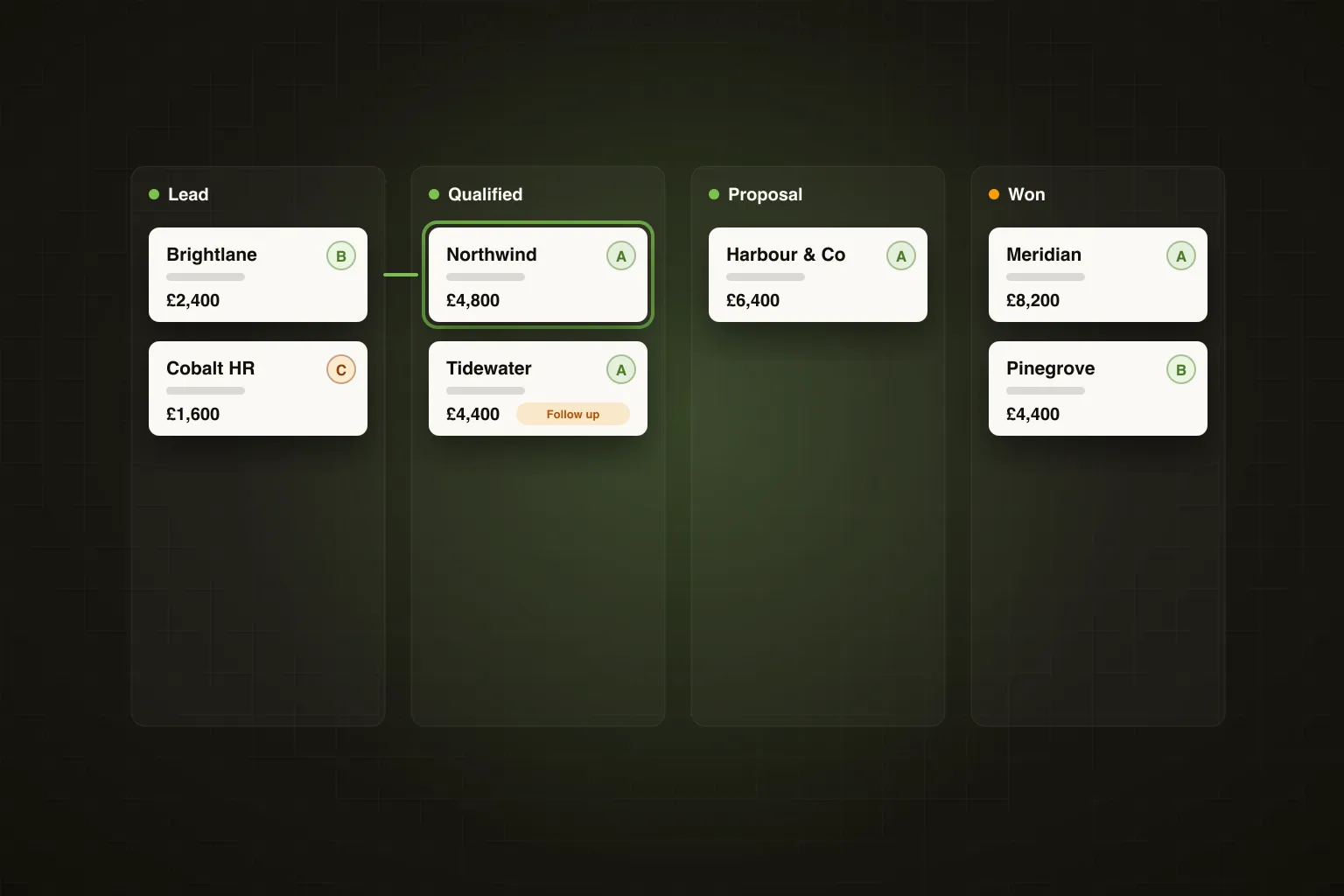
- Pipeline conversion — how many conversations have moved to a reply, a booked call, or a closed deal
The key thing to understand: these aren't four separate reports. They're one connected view. A post that generates high intent signal volume should feed directly into your next outbound campaign. The analytics dashboard makes that connection visible.
Founder's Take: The moment this clicked for me was when I noticed one post about "hiring your first SDR" was generating 3x the intent signal volume of everything else I'd published that month. I built a campaign around that exact pain point, used the same language from the post comments, and the reply rate was double our baseline. The data was sitting there the whole time — I just hadn't looked at it systematically.
The 4 Metrics That Actually Matter
Ghost surfaces a lot of data. Here are the four numbers worth building a weekly habit around — and what each one is actually telling you about your outbound motion.
Connection Acceptance Rate
This is the percentage of LinkedIn connection requests that are accepted by your prospects. Industry average sits around 20–30%, based on widely reported LinkedIn outreach benchmarks. If you're below 20%, something is broken at the top of the funnel.
Low connection acceptance almost always points to one of three things: your ICP targeting is off (you're reaching people who don't recognise you as relevant), your profile isn't compelling enough to accept from a stranger, or your connection note is too obviously salesy.
A healthy connection acceptance rate in Ghost campaigns — particularly when you're reaching out to prospects who've already engaged with your content — typically runs 35–50%, based on Ghost's internal data from Q1 2025. Warm outbound performs materially better than cold.
Reply Rate
Reply rate measures how many accepted connections go on to respond to your first message. This is your message quality metric. A 5–10% reply rate is considered solid for cold LinkedIn outreach; anything above 15% means your messaging is genuinely resonating.
When reply rate drops, the fix is almost never "send more messages." It's rewrite the first touchpoint. Ghost's sequence builder shows you exactly which step in a campaign is losing people — so you can isolate whether it's the opener, the value prop, or the call to action that's breaking down.
Watch reply rate by campaign, not just overall. A 4% reply rate on a cold ICP campaign and a 4% reply rate on a warm intent-triggered campaign are completely different problems.
Intent Signal Volume
Intent signal volume tracks how many scored interactions Ghost has captured from your content — likes, comments, profile visits, and post shares from people who match your ICP definition. Each signal is scored across five dimensions: recency, relevance, seniority, engagement depth, and company fit.
This metric tells you whether your content is attracting the right audience, not just any audience. A post with 500 impressions and 40 intent signals from VP-level HR buyers is worth more than a post with 5,000 impressions from a general audience.
When intent signal volume is low, it's a content strategy problem. You're either posting about topics your ICP doesn't care about, or you're not posting consistently enough to build the algorithmic reach. Both are fixable — and the analytics dashboard makes it obvious which one it is.
Pipeline Conversion Rate
This is the number that ties everything together: of all the conversations your outbound generates, how many convert to a meaningful next step — a booked call, a demo, a proposal, a closed deal. Ghost's pipeline view lets you track this at the campaign level, so you can see which sequences are generating real revenue conversations versus just replies that go nowhere.
A realistic benchmark for a well-tuned outbound motion: 1–3% of contacted prospects convert to a pipeline conversation. If you're running warm outbound from intent signals, expect to see this closer to 3–5%, based on Ghost's internal campaign data.
Pipeline conversion rate is the metric that justifies the entire system. If it's healthy, double down. If it's flat, work backwards through the other three metrics to find the leak.
How to do this in Ghost: Navigate to the Analytics tab in your Ghost dashboard. Select a specific campaign from the dropdown to isolate its performance. You'll see connection rate, reply rate, and pipeline outcomes in a single campaign view. Click into any metric to see the individual contacts at each stage — this lets you read the actual conversations that converted (or didn't) and extract the language patterns that work. Export the data to CSV if you want to run your own analysis or share it with a co-founder.
How to Spot an Underperforming Campaign Early
Most founders let a bad campaign run for six weeks before they notice it isn't working. By then, you've burned through a list and trained the algorithm to deprioritise your profile. Here's how to catch it in week one.
Set a 72-hour check after launching any new campaign. At that point, you should have enough connection requests sent to see an early acceptance rate signal. If you're below 15% acceptance in the first 50 sends, pause the campaign. Don't wait for more data — the signal is already clear.
The second early warning sign is a high acceptance rate paired with zero replies. This pattern means your targeting is fine but your opening message is wrong. People are curious enough to connect but not compelled enough to respond. Rewrite the first message before you go further into the sequence.
Ghost's campaign dashboard flags campaigns that are underperforming against your account benchmarks. If your average reply rate is 12% and a new campaign is running at 3% after 100 sends, that's a significant deviation — and worth investigating immediately rather than hoping it improves.
How to Use Data to Improve Your ICP
Your ICP definition is a hypothesis. Your analytics data is the test result. Most founders update their ICP based on gut feel after a sales call. The better approach is to let the data tell you where the signal is strongest.
Pull your last 90 days of campaign data and segment it by the variables Ghost lets you filter: industry, seniority, company size, geography. Look for the cohorts where connection acceptance rate and reply rate are both above your average. That's your real ICP — the one the market is confirming, not the one you wrote in a deck.
For example: you're a founder selling a workforce planning tool. Your original ICP was "HR Directors at companies with 200–500 employees." But your Ghost data shows that VP of Operations titles at Series B SaaS companies (100–250 employees) are accepting connections at 48% and replying at 18% — both well above your averages. That's a signal to shift your ICP definition and build a dedicated campaign for that segment.
Intent signal data adds another layer. If a particular job title is consistently generating high intent scores from your content but you haven't built a campaign targeting them, that's a gap. Ghost surfaces this automatically — you can see which ICP segments are engaging with your content and cross-reference that against who you're actually reaching out to.
How to do this in Ghost: Go to the Analytics tab and filter your campaign data by "Segment" or "Contact attribute." Sort by reply rate descending to find your highest-converting cohorts. Then go to AI Campaigns and create a new campaign targeted specifically at those attributes — use the same language from the replies that converted. Ghost's Agentic Campaign Creator will pull matching contacts from the 600M database and build the sequence automatically.
Monthly Analytics Review — A 15-Minute Process
You don't need a weekly data review meeting. You need a 15-minute monthly process that answers five specific questions. Here's the exact structure.
Minutes 1–3: Content performance review. Which three posts generated the highest intent signal volume? What topic, format, and angle do they share? Write that down — it's your content brief for next month.
Minutes 4–7: Campaign performance review. Pull up your active campaigns. Rank them by pipeline conversion rate. Identify your top performer and your bottom performer. The top performer gets more contacts enrolled. The bottom performer gets paused or rewritten.
Minutes 8–10: ICP signal check. Look at your intent signal volume by company type and seniority. Are there segments generating high signal that you haven't targeted yet? Add them to your next campaign build.
Minutes 11–13: Reply quality audit. Read the last 10 positive replies you received. What language did prospects use to describe their problem? Copy those exact phrases into your next sequence. This is the highest-leverage copywriting research you can do.
Minutes 14–15: One decision. Based on everything above, make one concrete change to your outbound motion for next month. One new campaign, one rewritten message, one new ICP segment. Not five things — one thing, done properly.
This process, run consistently, compounds. The founder who does this monthly for six months has a fundamentally different outbound machine than the one who launched three campaigns and never looked at the data again.
Frequently Asked Questions
What does the Ghost analytics dashboard actually track?
Ghost's analytics dashboard tracks four core layers of your GTM motion: content engagement (impressions, intent signals from your ICP), outbound sequence performance (connection acceptance rate, reply rate, step-by-step drop-off), intent signal volume and scoring, and pipeline conversion from conversation to booked call or closed deal. All four data layers are visible in a single interface rather than spread across separate tools.
What is a good connection acceptance rate on LinkedIn?
Industry benchmarks put average LinkedIn connection acceptance at 20–30% for cold outreach. When you're reaching out to prospects who have already engaged with your content — what Ghost calls warm outbound — acceptance rates typically run 35–50%, based on Ghost's internal campaign data from Q1 2025. Anything consistently below 20% suggests a targeting, profile, or messaging problem at the top of the funnel.
How do I know if my outbound campaign is failing early?
Run a 72-hour check after launch. If your connection acceptance rate is below 15% after the first 50 sends, pause the campaign immediately — the signal is already clear and waiting for more data won't change it. A second early warning sign is high acceptance paired with zero replies, which points to a broken opening message rather than a targeting problem.
What is intent signal volume and why does it matter for outbound?
Intent signal volume is the count of scored interactions Ghost captures from your LinkedIn content — likes, comments, profile visits, and shares from people who match your ICP. Each interaction is scored across five dimensions including seniority, recency, and company fit. High intent signal volume means your content is attracting the right audience; low volume means you're either posting about the wrong topics or not posting frequently enough to generate reach.
How often should I review my Ghost campaign analytics?
A 72-hour check after every new campaign launch, and a structured 15-minute monthly review covering content performance, campaign rankings, ICP signals, and reply quality. Weekly reviews are unnecessary for most founders and create noise rather than signal — monthly reviews with a clear decision framework are more actionable and sustainable.
How do I use analytics data to improve my ICP targeting?
Pull 90 days of campaign data and segment it by industry, seniority, company size, and geography. Find the cohorts where both connection acceptance rate and reply rate are above your account average — those are your highest-signal ICP segments. Build dedicated campaigns for those segments using Ghost's Agentic Campaign Creator, which pulls matching contacts from the 600M database automatically.
Why does my reply rate drop after a campaign has been running for a few weeks?
Reply rate decay over time usually means you've exhausted the highest-fit contacts in your target segment and are now reaching progressively lower-fit prospects. It can also indicate that your message sequence has become less novel — prospects in the same professional communities talk, and a template that felt personalised in week one can feel templated by week four. Refresh your contact pool and rewrite your opening message every 4–6 weeks to maintain performance.
Can Ghost analytics help me improve my LinkedIn content strategy?
Yes — Ghost's content analytics show you which posts are generating intent signals specifically from your ICP, not just general engagement. A post with modest impressions but high ICP-level intent signals is more strategically valuable than a viral post that attracts the wrong audience. Use the top three intent-generating posts each month as your content brief for the following month.
If you're running outbound without a clear view of what's working, you're essentially flying blind and hoping for the best. Ghost's analytics dashboard gives you the feedback loop to make every campaign smarter than the last — and the Agentic Campaign Creator means you can act on that data immediately, building a new campaign in under 90 seconds the moment you spot a high-signal ICP segment.
See everything Ghost's full platform can do for your outbound pipeline — and start your 7-day free trial today, no credit card required. Try Ghost free →