TL;DR: The Ghost MCP now exposes the full Pipeline CRM, so Claude Code, ChatGPT and Grok can read and update your deals, tasks and conversations. This guide gives you five routines with copy-paste prompts, the Ghost tools each one uses, and the guardrails worth keeping while you get comfortable.
What the Ghost MCP gives your assistant
MCP (Model Context Protocol) is a standard way for AI assistants to use external tools. When you connect the Ghost MCP, your assistant can act inside your Ghost account rather than just talking about it. For the Pipeline, the key tools are:
| What you want | Ghost MCP tools |
|---|---|
| See deals and stages | list_deals, get_deal, list_pipeline_stages |
| Change a deal | create_deal, update_deal, add_deal_note |
| Work tasks | list_tasks, create_task, complete_task |
| Understand the relationship | get_contact_history |
| Follow up | suggest_followup, send_crm_message |
| Triage inbox enquiries | list_suggested_leads, accept_suggested_lead |
| Report | get_pipeline_dashboard |
The same connection also covers outbound, signals, inbox and content, so one assistant can go from "find prospects" to "move this deal to Won". See the full list on the Ghost MCP page, and the Ghost docs for connecting your assistant.
Routine 1: The morning review (5 minutes)
Start the day by asking what actually needs you:
"List my tasks due today and overdue, grouped by deal. For each, give me one line of context from the contact history and the stage the deal is in."
Your assistant uses list_tasks, then get_deal and get_contact_history for context. It's the same list as Ghost's 8am digest, but you can interrogate it: "Which of these is most likely to close this month?"
Routine 2: The cold-deal sweep
Ghost already creates reminders when an open deal has had no contact for 5 days. This routine clears them in one pass:
"Find open deals with no contact in 5+ days. For each, suggest a follow-up and show me the drafts with the reason each one works now. Don't send anything yet."
This combines list_deals with suggest_followup, which writes three drafts per deal from the full conversation, the deal stage, the time since last touch and your voice settings. Review, edit, then:
"Send draft 2 to Northwind and draft 1 to Tidewater. Mark the follow-up tasks done."
Sending from a deal pauses that contact's campaign sequence, so there's no risk of your personal message and an automated step colliding.
Routine 3: Inbox triage
If you've turned on email lead capture, genuine enquiries from Gmail or Outlook wait as suggested leads:
"Show me suggested leads from email with their summary, suggested stage and any budget mentioned. Add the ones that mention a specific project or budget; leave the rest."
That's list_suggested_leads followed by accept_suggested_lead for the ones you approve.
Routine 4: Post-call updates
The moment after a call is when CRMs usually fall behind. Dictate the update instead:
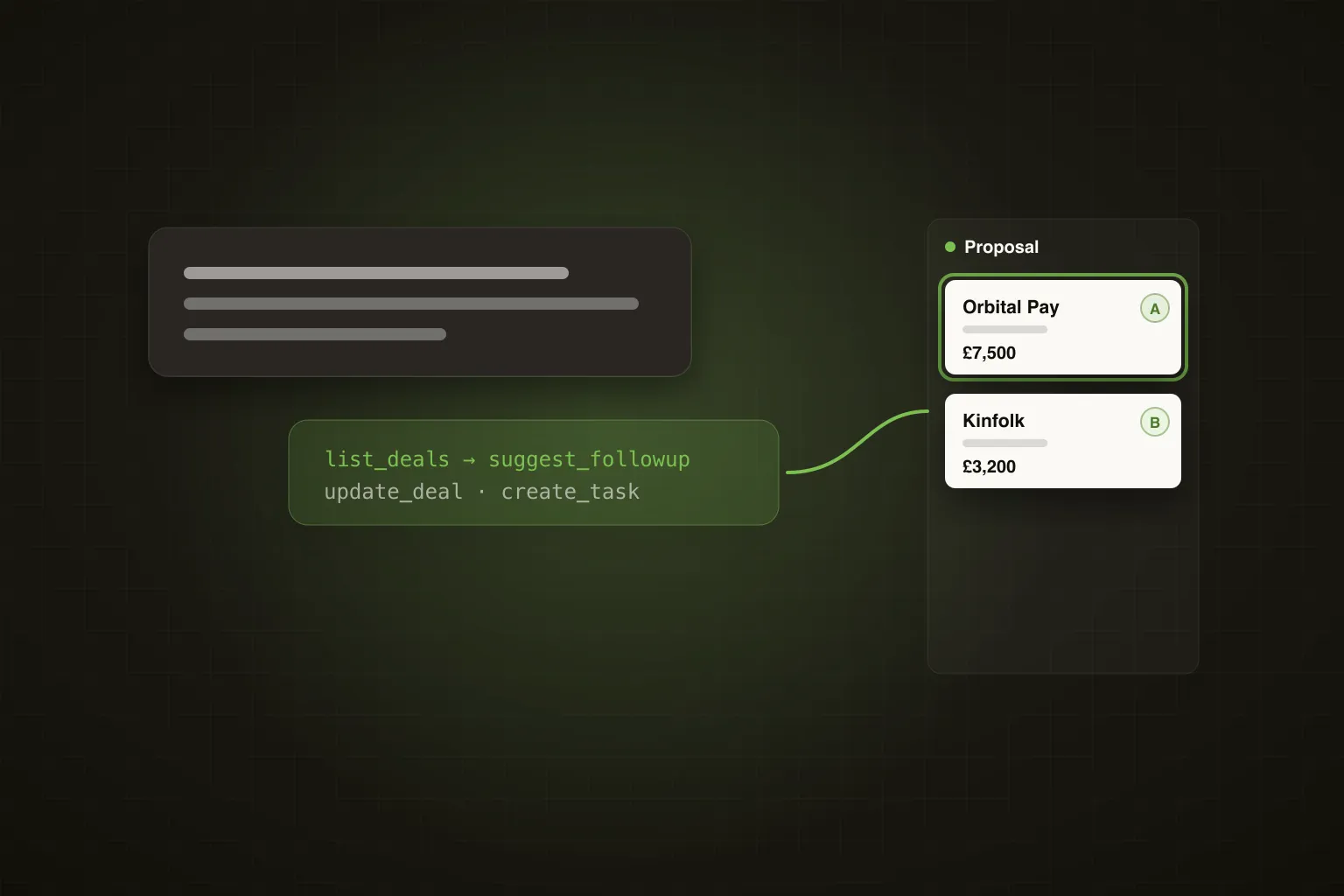
"Update Orbital Pay: move to Proposal, value £7,500, expected close end of next month. Add a note: they want SSO and a pilot for two teams. Create a task to send the proposal on Thursday."
Your assistant uses update_deal, add_deal_note and create_task. Thirty seconds, and the deal is current.
Routine 5: The weekly review
"Pull my pipeline dashboard. Summarise open pipeline by stage, what we won this month, win rate and average days to close. Which source produced the most won revenue, and which stage are deals getting stuck in?"
get_pipeline_dashboard returns the numbers; your assistant does the analysis. Revenue by source is the one to watch. It tells you which campaigns and signals to put more behind next week.
Guardrails worth keeping
- Draft first, send second. Ask for drafts and approve them until you trust the output. Sending tools act on your real LinkedIn and mailbox.
- Name the deal. "Update Northwind" beats "update that deal from yesterday" when several deals look alike.
- Let the automation do the moving. Ghost already moves deals forward on replies and high intent, and never backwards. Use manual moves for what the rules can't see, like a verbal yes on a call.
Frequently Asked Questions
Which assistants work with the Ghost MCP?
Claude Code, ChatGPT and Grok.
Is the MCP included in my plan?
Yes. The Ghost MCP, including the Pipeline tools, is included on every plan.
Can the assistant see my whole conversation history?
Yes, through get_contact_history: LinkedIn messages, emails, invites, profile views, post likes, comments, notes, tasks and stage changes for that contact.
Pipeline is included on every Ghost plan. Start your 7-day free trial at growwithghost.io, or see how Pipeline works.