How to Set Up Intent-Powered LinkedIn Outbound in 30 Minutes
TL;DR: Intent-powered LinkedIn outbound combines content engagement signals with automated messaging to reach prospects when they're actively showing interest. This 30-minute setup process transforms cold outreach into warm conversations by targeting people who've already engaged with your content or shown buying intent.
Ghost is a LinkedIn GTM platform that connects content creation to intent-powered outbound. Most founders spend weeks fumbling through LinkedIn outbound setup, testing different tools and sequences. But when you understand the intent-first approach, you can configure a complete system in 30 minutes that generates qualified conversations from day one.
Based on Ghost's internal data from Q4 2024, intent-powered outreach generates 3.2x higher response rates than traditional cold LinkedIn messaging. The reason? You're reaching people who've already shown interest in your solution.
Founder's Take: I spent months sending cold LinkedIn messages with 2% response rates. The breakthrough came when I started messaging people who'd engaged with my content first. Same message, 8% response rate. Intent changes everything.
What Is Intent-Powered LinkedIn Outbound?
Intent-powered LinkedIn outbound is a prospecting methodology that prioritises leads based on their engagement behaviour and buying signals rather than demographic data alone. Unlike traditional cold outreach, this approach identifies prospects who've demonstrated interest through content interaction, website visits, or competitor research.
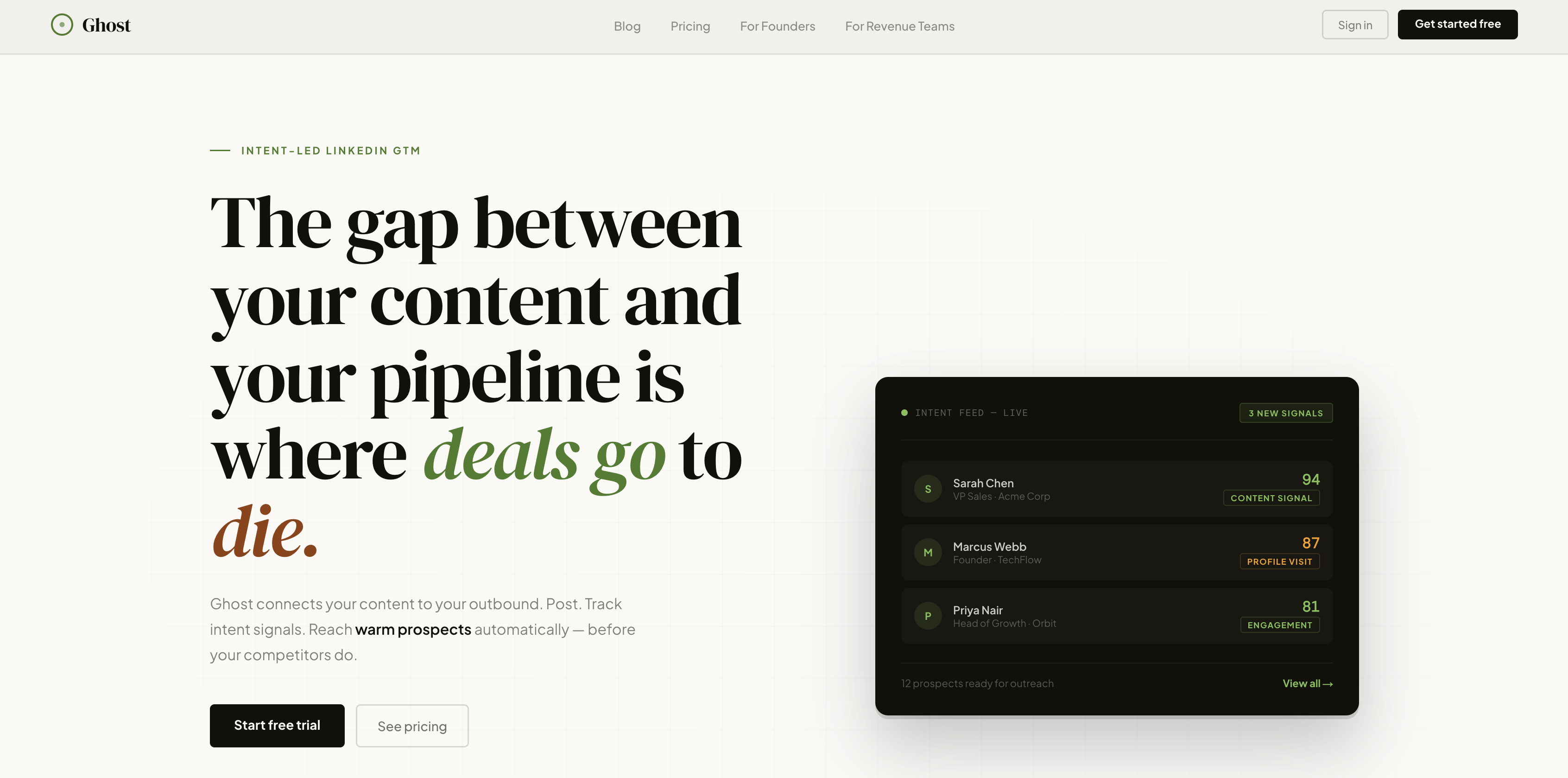
The system works by tracking multiple intent signals: LinkedIn content engagement, profile views, website behaviour, and search activity. When prospects hit predefined intent thresholds, they automatically enter personalised outreach sequences.
For example, a SaaS founder selling project management software would target prospects who've liked posts about team productivity, visited pricing pages, or engaged with competitor content. These warm signals indicate active buying consideration, making outreach conversations significantly more productive.
Before You Start — What You'll Need
Successful LinkedIn outbound automation requires three foundational elements before you begin the technical setup.
LinkedIn Account Optimisation
Your LinkedIn profile becomes your primary sales asset. Ensure your headline clearly states your value proposition, your summary addresses buyer pain points, and your recent activity shows consistent, valuable content sharing. Prospects research you before responding — make that research work in your favour.
Content Strategy Foundation
Intent-powered outreach relies on content engagement to identify warm prospects. You'll need a basic content calendar producing 3-5 posts weekly that address your ideal customer's challenges. Without content, you're back to cold outreach.
Clear Ideal Customer Profile
Define your target audience beyond basic demographics. Include job titles, company sizes, technologies used, and pain points. The more specific your ICP, the more accurate your intent tracking becomes. A marketing agency might target "Marketing Directors at 50-200 employee SaaS companies using HubSpot who've posted about lead generation challenges in the past 30 days."
Step 1: Connect Your LinkedIn Account
Ghost's LinkedIn integration uses secure OAuth authentication to connect your account without storing passwords. The connection process takes 2-3 minutes and establishes the foundation for all outbound activities.
Navigate to your Ghost dashboard and click "Connect LinkedIn Account" in the outbound section. You'll redirect to LinkedIn's authorisation page where you'll grant Ghost permission to send messages, view connections, and track engagement on your behalf.
Once connected, Ghost automatically syncs your existing connections and begins tracking engagement on your content. This historical data helps establish baseline intent scores for prospects already in your network.
The system respects LinkedIn's messaging limits — 100 connection requests and 300 messages per week for standard accounts, 150 requests and 500 messages for Premium. Ghost's smart throttling ensures you never exceed these limits while maximising outreach volume.
Step 2: Define Your Ideal Customer Profile
Ghost's ICP builder goes beyond basic demographic filters to include behavioural and intent-based criteria. This multi-dimensional approach ensures you're targeting prospects most likely to convert.
Demographic Filters
Start with standard targeting criteria: job titles, company size, industry, and location. Be specific but not restrictive. Instead of just "Marketing Manager," include related titles like "Digital Marketing Lead," "Growth Marketing Manager," and "Demand Generation Specialist."
Behavioural Indicators
Add behavioural filters that indicate buying readiness: recently changed jobs, posted about relevant challenges, shared competitor content, or engaged with industry thought leaders. These signals suggest active problem-solving mode.
For a sales training company, strong behavioural indicators might include: posted about missing sales targets, shared articles about sales methodology, or recently hired sales reps.
Technology Stack Integration
Ghost can identify prospects using specific tools or platforms relevant to your solution. If you're selling CRM integrations, target companies using Salesforce, HubSpot, or Pipedrive. This technological context provides immediate conversation starters.
Step 3: Set Up Intent Signal Tracking
Intent signal tracking transforms LinkedIn engagement data into actionable prospect intelligence. Ghost's 5-dimensional lead scoring system evaluates prospects across engagement, recency, company fit, role relevance, and buying stage indicators.
Content Engagement Tracking
Configure tracking for prospects who engage with your LinkedIn content. Set point values for different engagement types: 1 point for likes, 3 points for comments, 5 points for shares. Comments indicate higher intent than passive likes.
Ghost automatically tracks engagement across all your content, building intent scores over time. A prospect who consistently likes your posts for three weeks then comments on a pricing-related post triggers immediate outreach.
Profile Visit Monitoring
LinkedIn profile visits often indicate research behaviour. Configure Ghost to track when prospects view your profile, especially multiple visits within short timeframes. This signal suggests active consideration of your solution.
Website Behaviour Integration
Connect Ghost to your website analytics to track when LinkedIn prospects visit key pages: pricing, case studies, or product demos. Website visits combined with LinkedIn engagement create the strongest intent signals.
A prospect who views your pricing page after engaging with three LinkedIn posts scores significantly higher than someone who only liked one post.
Step 4: Create Your First Outbound Sequence
Ghost's sequence builder creates multi-touch campaigns that adapt based on prospect responses and engagement levels. Effective sequences balance automation with personalisation to maintain authentic conversation flow.
Message 1: Intent-Based Opening
Reference the specific intent signal that triggered the sequence. Instead of generic cold messages, acknowledge their recent engagement: "I noticed you commented on my post about sales team productivity last week. Your point about remote team challenges really resonated."
This approach immediately establishes context and demonstrates you're paying attention to their interests rather than sending mass messages.
Message 2: Value-First Follow-Up
Send valuable content related to their demonstrated interest 3-4 days later. Share a relevant case study, industry report, or tactical guide that addresses the challenge they've shown interest in.
Avoid pitching your solution directly. Focus on providing value that positions you as a helpful resource rather than another vendor.
Message 3: Soft CTA
After 5-7 days, include a low-pressure call-to-action. Suggest a brief conversation, offer a free resource, or invite them to a relevant webinar. Keep the commitment small and the value clear.
Example: "I'm hosting a 15-minute session next Tuesday on the productivity framework we discussed. Would that be useful for your team's situation?"
Sequence Personalisation Variables
Ghost automatically inserts personalisation tokens: prospect name, company, recent engagement type, and mutual connections. These variables make automated messages feel individually crafted while maintaining scale efficiency.
Step 5: Review, Launch & Monitor Results
Before launching your sequences, review all settings, message templates, and targeting criteria. Ghost's preview mode shows exactly how messages will appear to prospects, allowing final optimisation before activation.
Launch Configuration
Set your daily outreach limits based on your capacity to handle responses. Start conservatively with 10-15 new prospects per day. You can increase volume as you optimise response handling and conversion processes.
Configure response detection to automatically pause sequences when prospects reply. This prevents awkward situations where automated follow-ups continue after someone's already engaged.
Performance Monitoring
Ghost's analytics dashboard tracks key metrics: connection acceptance rates, message response rates, meeting bookings, and pipeline contribution. Monitor these metrics daily during your first week to identify optimisation opportunities.
Response rates below 5% typically indicate targeting or messaging issues. Acceptance rates below 30% suggest profile optimisation needs. Use these benchmarks to guide improvements.
Iteration and Optimisation
Plan weekly reviews of sequence performance. Test different subject lines, message timing, and personalisation approaches. Small improvements compound significantly over time.
Based on Ghost's internal data, founders who optimise sequences weekly see 40% higher response rates within their first month compared to "set and forget" approaches.
Frequently Asked Questions
How long does it take to see results from LinkedIn outbound automation?
Most users see initial responses within 48-72 hours of launching their first sequence. However, meaningful pipeline results typically emerge after 2-3 weeks as intent signals accumulate and sequences reach their full follow-up cadence. The key is consistent daily activity rather than expecting immediate conversions.
What is the ideal daily limit for LinkedIn connection requests?
LinkedIn allows 100 connection requests per week for standard accounts and 150 for Premium accounts. Ghost recommends starting with 10-15 requests per day to stay well within limits while building sustainable outreach habits. You can increase volume gradually as your response handling processes mature.
How do I avoid getting my LinkedIn account restricted?
Account restrictions typically result from sending too many messages too quickly or using overly generic templates. Ghost's built-in throttling respects LinkedIn's limits, but you should also vary your message timing, personalise each outreach, and maintain regular organic LinkedIn activity to demonstrate authentic platform usage.
Why is intent-powered outreach more effective than cold messaging?
Intent-powered outreach targets prospects who've already demonstrated interest through content engagement or research behaviour. This approach generates 3-4x higher response rates because you're reaching people in active problem-solving mode rather than interrupting them with unsolicited messages. The context makes conversations feel natural rather than intrusive.
What types of content engagement indicate strongest buying intent?
Comments and shares indicate much stronger intent than likes because they require active engagement and public association with your content. Prospects who comment on pricing-related posts, case studies, or problem-focused content show the highest conversion potential. Multiple engagements over short timeframes suggest active research behaviour.
How do I handle responses to automated LinkedIn sequences?
Ghost automatically detects responses and pauses sequences to prevent awkward automated follow-ups. Respond to all replies within 4-6 hours during business hours to maintain conversation momentum. Keep initial responses conversational and focus on understanding their specific situation before introducing your solution.
Can I use Ghost's outbound features without creating LinkedIn content?
While Ghost's outbound tools work independently, intent-powered outreach relies heavily on content engagement signals to identify warm prospects. Without consistent content creation, you're essentially doing traditional cold outreach with better targeting tools. The content and outbound features work synergistically for optimal results.
What should I do if my LinkedIn outreach response rates are low?
Low response rates typically indicate targeting, timing, or messaging issues. Review your ICP criteria to ensure you're reaching decision-makers with active pain points. Test different message opening lines, reduce pitch intensity, and increase personalisation based on specific engagement triggers. Response rates below 5% suggest fundamental strategy adjustments are needed.
Ready to transform your LinkedIn outreach from cold interruptions into warm conversations? Ghost's intent-powered platform connects your content strategy with automated outbound to generate qualified leads on autopilot. Start your free 7-day trial at Ghost's pricing page — no credit card required. Set up your first sequence in 30 minutes and start reaching prospects when they're already interested in what you're selling.
![LinkedIn Automation Tools Compared: Ghost vs Taplio vs Expandi vs Dripify [2026]](/assets/images/site/linkedin-automation-tools-compared-ghost-vs-taplio-vs-expandi-vs-dripify-2026-hero.png)